
Beschrijving
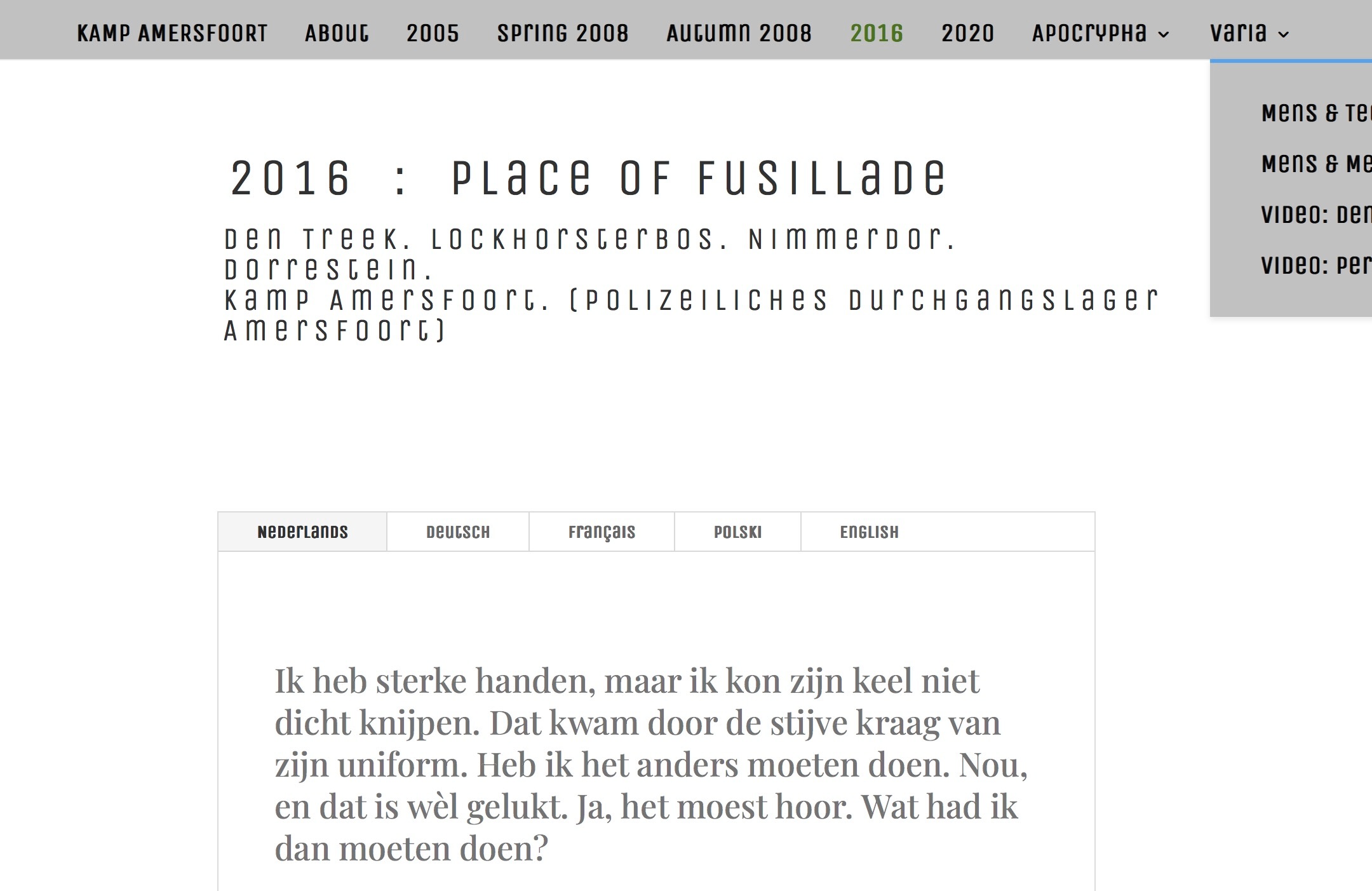
Zie afb. Het laten flippen naar links van menu op iPhone
Ga naar: header | body | posts | reactie.| componenten | afbeeldingen
Systeem aanpassen thema • Divi option > general > aangepaste css
- In the Divi Menu module settings, go to the Content tab and set the Direction to “Row Reverse” for tablet devices.
- If that doesn’t solve the issue, you can use custom CSS with media queries. Add this code to Divi → Theme Options → Custom CSS:
::
@media only screen
  and (min-width: 768px)
  and (max-width: 1024px) {
  #top-menu, .et-menu-nav {
    flex-direction: row-reverse !important;
  }
}
::::::::::::::::::::::::::
Divi options > integration > Voeg code toe aan de < head> van uw blog
Please go to the Divi>Theme Options>General>Custom CSS box to add the following code to make menu sticky on scroll.
Divi options > integration > Voeg code toe aan de < body >
sdfasfa sdf sd sasdf seaasfwerw4 tryjt uh ilo ;sa fadsdfasfa sdf sd sasdf seaasfwerw4 tryjt uh ilo ;sa fad2 4 3 4w d sdfasfa sdf sd sasdf seaasfwerw4 tryjt uh ilo ;sa fad2 4 3 4w d sdfasfa sdf sd sasdf seaasfwerw4 tryjt uh ilo ;sa fad2 4 3 4w d sdfasfa sdf sd sasdf seaasfwerw4 tryjt uh ilo ;sa fad2 4 3 4w d sdfasfa sdf sd sasdf seaasfwerw4 tryjt uh ilo ;sa fad2 4 3 4w d sdfasfa sdf sd sasdf seaasfwerw4 tryjt uh ilo ;sa fad2 4 3 4w d 2 4 3 4w d
Divi options > integration > Voeg code bovenaan uw posts toe.
sdfasfa sdf sd sasdf seaasfwerw4 tryjt uh ilo ;sa fadsdfasfa sdf sd sasdf seaasfwerw4 tryjt uh ilo ;sa fad2 4 3 4w d sdfasfa sdf sd sasdf seaasfwerw4 tryjt uh ilo ;sa fad2 4 3 4w d sdfasfa sdf sd sasdf seaasfwerw4 tryjt uh ilo ;sa fad2 4 3 4w d sdfasfa sdf sd sasdf seaasfwerw4 tryjt uh ilo ;sa fad2 4 3 4w d sdfasfa sdf sd sasdf seaasfwerw4 tryjt uh ilo ;sa fad2 4 3 4w d sdfasfa sdf sd sasdf seaasfwerw4 tryjt uh ilo ;sa fad2 4 3 4w d 2 4 3 4w d
Divi options > integration >
Voeg code onderaan uw posts toe, geplaatst voor de reacties
sdfasfa sdf sd sasdf seaasfwerw4 tryjt uh ilo ;sa fadsdfasfa sdf sd sasdf seaasfwerw4 tryjt uh ilo ;sa fad2 4 3 4w d sdfasfa sdf sd sasdf seaasfwerw4 tryjt uh ilo ;sa fad2 4 3 4w d sdfasfa sdf sd sasdf seaasfwerw4 tryjt uh ilo ;sa fad2 4 3 4w d sdfasfa sdf sd sasdf seaasfwerw4 tryjt uh ilo ;sa fad2 4 3 4w d sdfasfa sdf sd sasdf seaasfwerw4 tryjt uh ilo ;sa fad2 4 3 4w d sdfasfa sdf sd sasdf seaasfwerw4 tryjt uh ilo ;sa fad2 4 3 4w d 2 4 3 4w d
Divi componenten. aangepaste cs
sdfasfa sdf sd sasdf seaasfwerw4 tryjt uh ilo ;sa fadsdfasfa sdf sd sasdf seaasfwerw4 tryjt uh ilo ;sa fad2 4 3 4w d sdfasfa sdf sd sasdf seaasfwerw4 tryjt uh ilo ;sa fad2 4 3 4w d sdfasfa sdf sd sasdf seaasfwerw4 tryjt uh ilo ;sa fad2 4 3 4w d sdfasfa sdf sd sasdf seaasfwerw4 tryjt uh ilo ;sa fad2 4 3 4w d sdfasfa sdf sd sasdf seaasfwerw4 tryjt uh ilo ;sa fad2 4 3 4w d sdfasfa sdf sd sasdf seaasfwerw4 tryjt uh ilo ;sa fad2 4 3 4w d 2 4 3 4w d
Css in vrije vorm
voor
Hoofd elementen
width: 65%!important;Na
Afbeeldingen
sdfasfa sdf sd sasdf seaasfwerw4 tryjt uh ilo ;sa fadsdfasfa sdf sd sasdf seaasfwerw4 tryjt uh ilo ;sa fad2 4 3 4w d sdfasfa sdf sd sasdf seaasfwerw4 tryjt uh ilo ;sa fad2 4 3 4w d sdfasfa sdf sd sasdf seaasfwerw4 tryjt uh ilo ;sa fad2 4 3 4w d sdfasfa sdf sd sasdf seaasfwerw4 tryjt uh ilo ;sa fad2 4 3 4w d sdfasfa sdf sd sasdf seaasfwerw4 tryjt uh ilo ;sa fad2 4 3 4w d sdfasfa sdf sd sasdf seaasfwerw4 tryjt uh ilo ;sa fad2 4 3 4w d 2 4 3 4w d
Ga naar: header | body | posts | reactie.| componenten | afbeeldingen | top