
Beschrijving
Diversen aanpassingen
Ga naar: header | body | posts | reactie.| componenten | afbeeldingen
Communicatie
Attentie
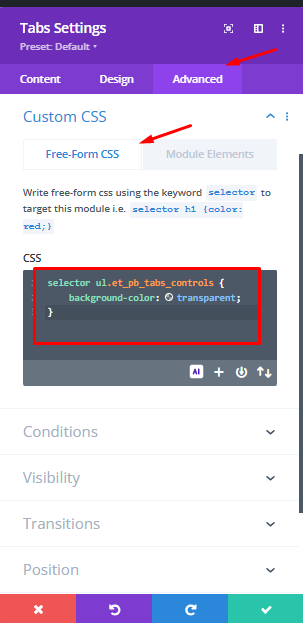
Code moet ook in Module tab: Custom css : Free form Css
Systeem aanpassen thema • Divi option > general > aangepaste css
sfgsfasf f
fsfdfsadf
Aanvullende Css • Divi option > general > aangepaste css
sdfsdf dsfss fsdfsdsdfg dfgsdsd
fsffsdffsff
sdffsfsdffg fdfg dsdd fdgdfgfdg
Divi options > integration > Voeg code toe aan de < head> van uw blog
sdfsdf dsfss fsdfsdsdfg dfgsdsd
fsffsdffsff
sdffsfsdffg fdfg dsdd fdgdfgfdg
Divi options > integration > Voeg code toe aan de < body >
sdfsdf dsfss fsdfsdsdfg dfgsdsd
fsffsdffsff
sdffsfsdffg fdfg dsdd fdgdfgfdg
Divi options > integration > Voeg code bovenaan uw posts toe.
sdfsdf dsfss fsdfsdsdfg dfgsdsd
fsffsdffsff
sdffsfsdffg fdfg dsdd fdgdfgfdg
Divi options > integration >
Voeg code onderaan uw posts toe, geplaatst voor de reacties
sdfsdf dsfss fsdfsdsdfg dfgsdsd
fsffsdffsff
sdffsfsdffg fdfg dsdd fdgdfgfdg
Divi componenten. aangepaste cs
sdfsdf dsfss fsdfsdsdfg dfgsdsd
fsffsdffsff
sdffsfsdffg fdfg dsdd fdgdfgfdg
Css in vrije vorm
selector ul.et_pb_tabs_controls {
    background-color: transparent;
}
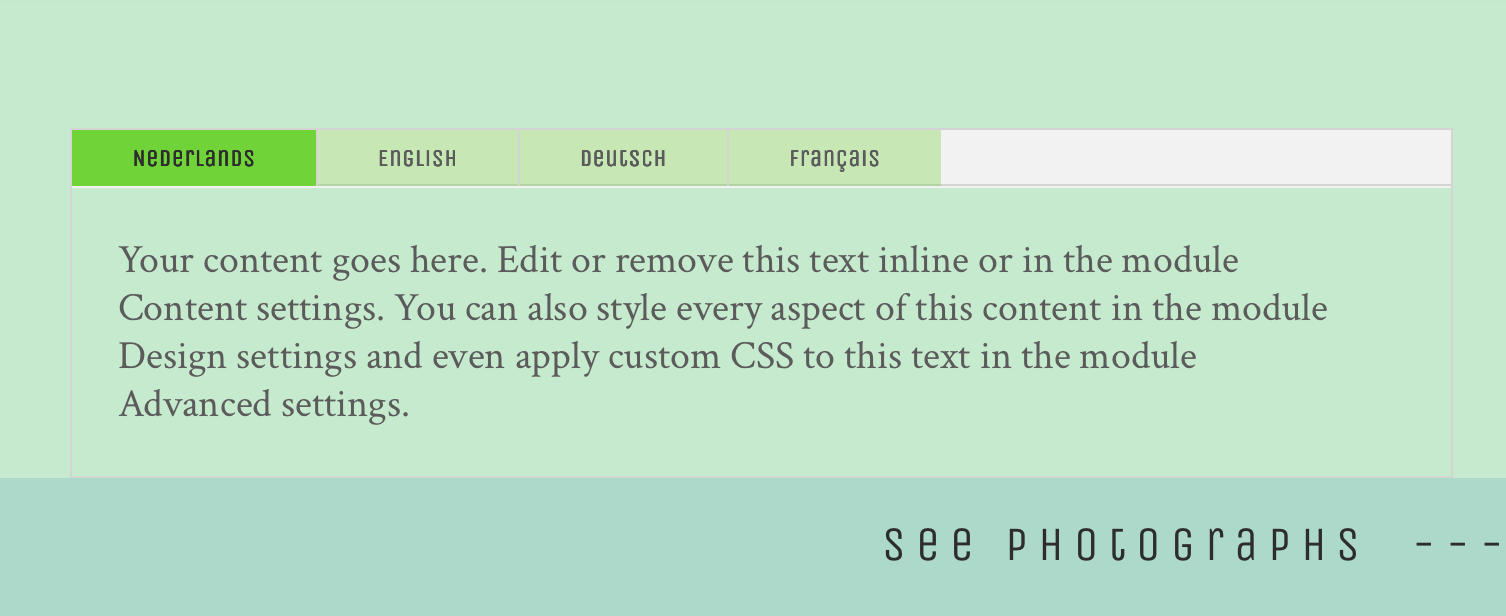
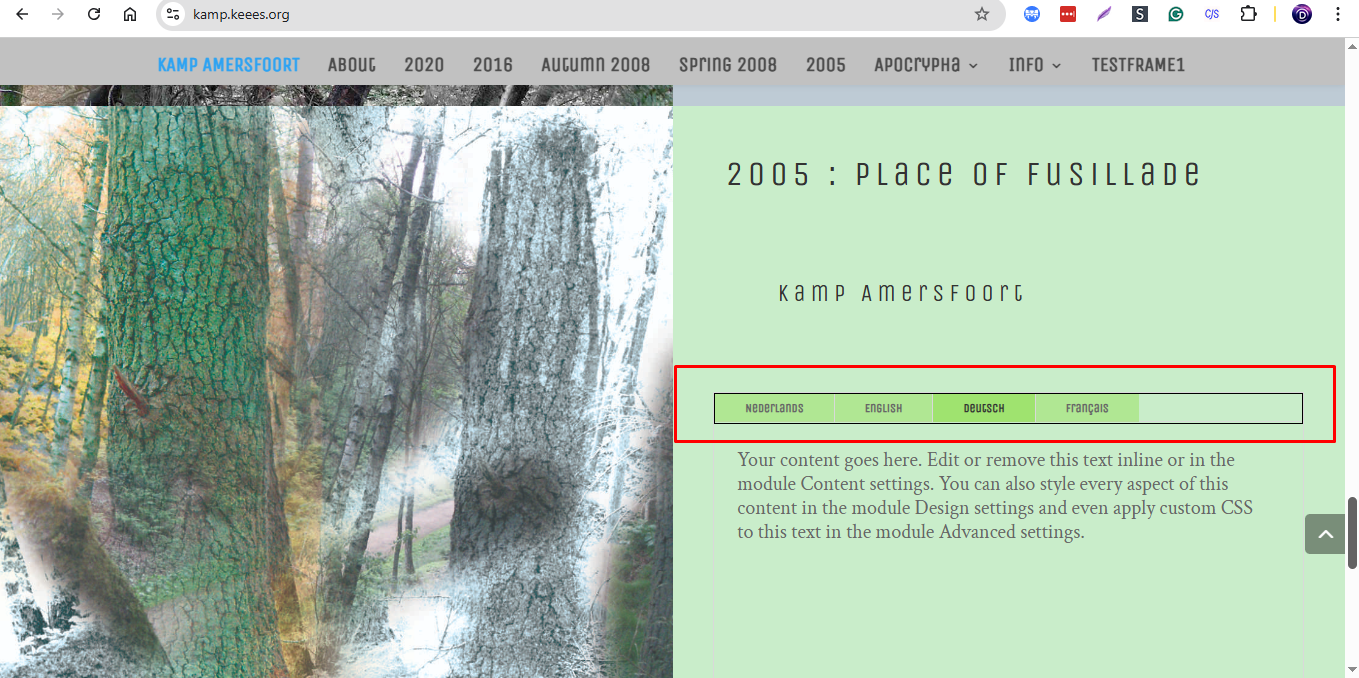
f you want to add your border color in the Tabs module, please
Css in vrije vorm
selector ul.et_pb_tabs_controls {
background-color: transparent;
border: 1px solid #000 !important;
}
Great. I do love you Anupam. I put the code into the module itself. Can I use that code also global? For the whole site?::
If you want to use the CSS globally for all the Blurb to the entire site, then please, go to your WordPress Dashboard > Divi > Theme Options > Custom CSS and add the following:
Css in vrije vorm
ul.et_pb_tabs_controls {
  background-color: transparent;
  border: 1px solid #000 !important;
}
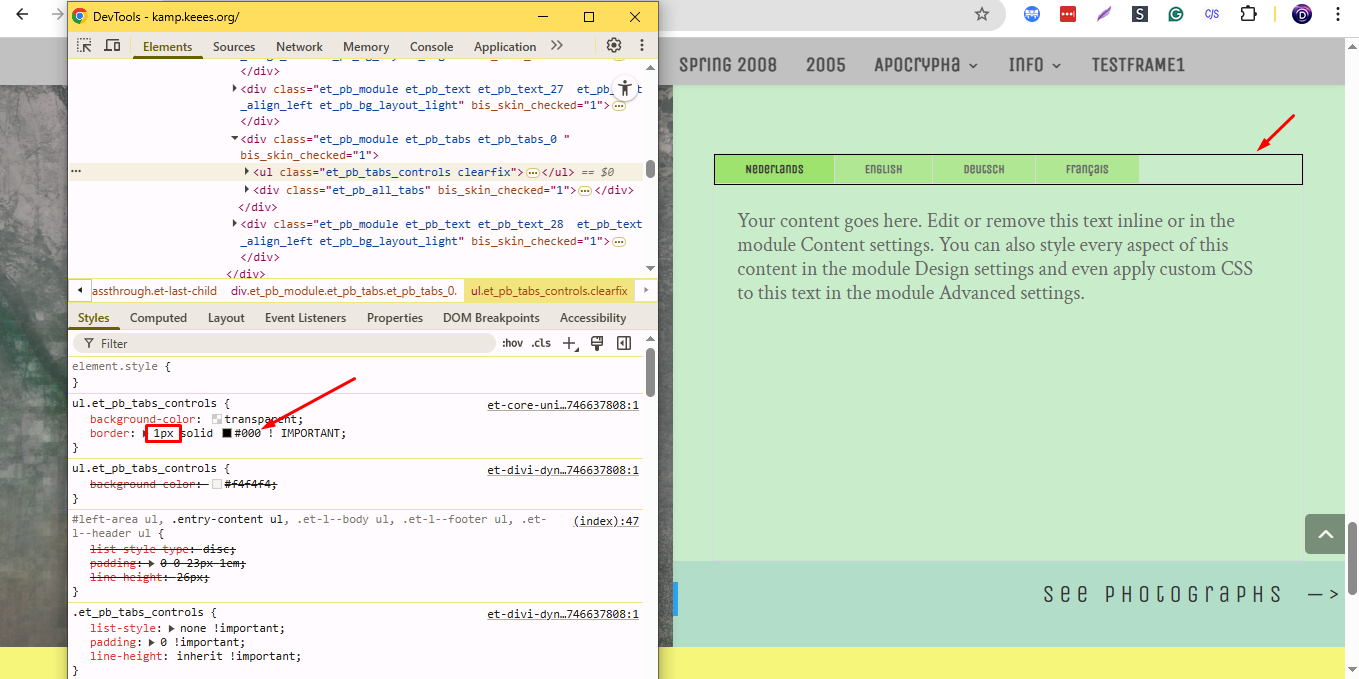
The border color is ‘solid’. Can i give the border a color of my choice (in the code)?
:
Yes, we need to change the color code in the CSS here:
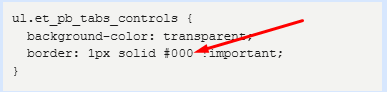
Css in vrije vorm
ul.et_pb_tabs_controls {
background-color: transparent;
border: 1px solid #000 !important;
}
Elementen voor
Hoofd elementen
width: 65%!important;Elementen na
Afbeeldingen
sdfsdf dsfss fsdfsdsdfg dfgsdsd
fsffsdffsff
sdffsfsdffg fdfg dsdd fdgdfgfdg
Ga naar: header | body | posts | reactie.| componenten | afbeeldingen | top
::